Troubleshooting IOS AAA TACACS+ Privileged EXEC Access
Short answer
A The command 'tacacs-server enable-password' configures the local fallback password required for privileged EXEC access when using TACACS+ authentication.
Question
Key Takeaways
The exam tests precise CLI syntax knowledge of AAA configuration, specifically distinguishing between the legacy local 'enable password' and the TACACS-specific 'tacacs-server enable-password' command.
This question addresses the correct command syntax for configuring a TACACS+ enable password on Cisco IOS routers to allow privileged EXEC access when local passwords are absent. It clarifies that the global configuration command is 'tacacs-server enable-password' rather than 'enable password'.
Common mistake: Candidates often select 'enable password', which configures a local fallback password but ignores the presence of the TACACS server configuration shown in typical exhibits for this scenario. This mistake stems from focusing only on the symptom (failed privilege escalation) without considering the authentication source.
Expert Analysis
Why the Answer Is Correct
The correct configuration is option A: 'tacacs-server enable-password Cisco@123'. When a router is configured with TACACS+ authentication for enable mode, it sends an Authorization request to the TACACS+ server. If the server does not return specific authorization results (like a shell profile), the router falls back to checking for a locally configured enable password. The specific command to set this local fallback password for TACACS+ scenarios is 'tacacs-server enable-password'. This ensures that if the TACACS server is unreachable or denies access, the administrator can still gain privileged access using the locally defined secret.
Why the Other Options Are Wrong
Option B ('tacacs-server enable-password') uses incorrect syntax; 'tacacs-server' requires a hostname or IP address argument before the keyword 'enable-password'. Option C ('tacacs server enable-password') is syntactically invalid due to the space in the command name. Option D ('enable-password') is not a valid global configuration command in modern IOS versions for this purpose; the correct local command would be 'enable password' (without the hyphen), but this does not align with the TACACS+ context implied by the question's focus on switching authentication mechanisms.
Community Comment Notes
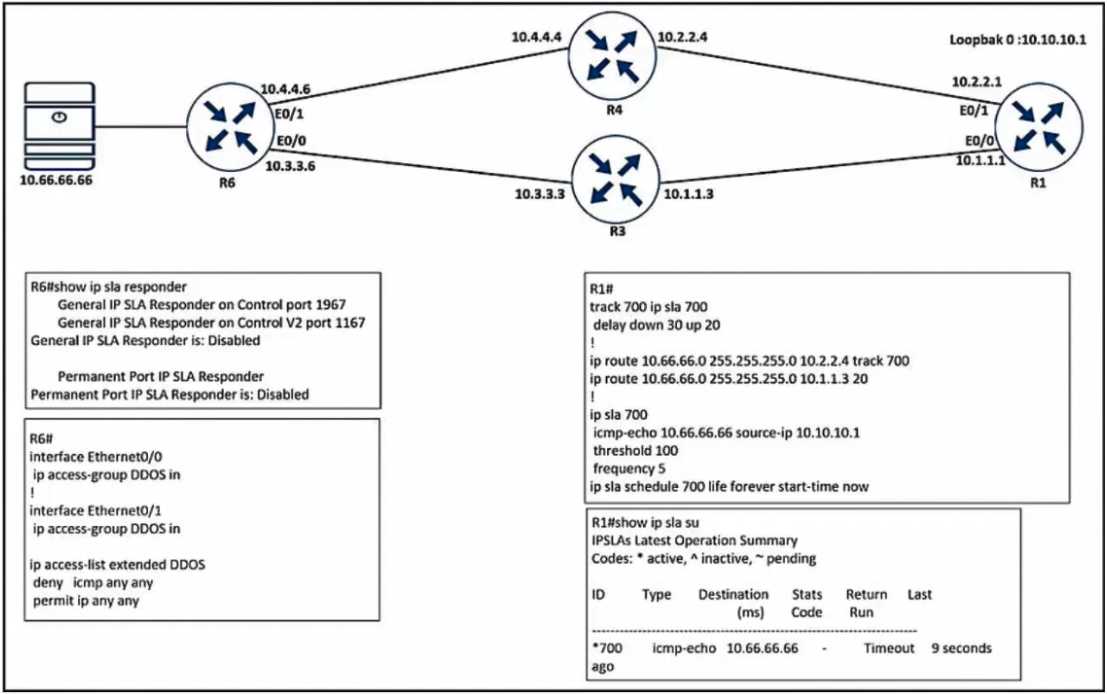
Community consensus strongly supports Option A. Users have noted discrepancies in the provided exhibit images, with some suggesting the image might be mislabeled or irrelevant. As one user noted, "Gotta love the exhibit vs the questions:D", highlighting that the textual logic of AAA configuration overrides potentially flawed visual aids. Another user confirmed the answer by referencing external study materials that match this specific question ID.
Exam Strategy
Always verify the exact syntax of AAA commands, as small variations like spaces or hyphens can make a command invalid. When troubleshooting privilege escalation failures in a TACACS+ environment, check for the 'tacacs-server enable-password' command first, as it serves as the critical fallback mechanism.
Frequently Asked Questions
Why is 'enable password' not the correct answer?
What is the role of tacacs-server enable-password?
Community Votes
100% of anonymous learners picked answer A. Votes are pick records left by other test-takers — they are not the verified answer.
Discussion 4 contributions
Compiled from public community threads and reader submissions, lightly edited for clarity. Handles and vote tallies are shown as recorded, and comments reflect the views of individual contributors.
From public community threads 4
-
[Removed] 👍 6 Answered AA is correct the correct exhibit is here https://de.scribd.com/document/628448729/Untitled (question 210)
-
d740f62 👍 5 Answered AGotta love the exhibit vs the questions :D
-
uqvs1014 👍 1wrong exhibit??
-
Pietjeplukgeluk 👍 1 Answered Avoting for a
Reader comments & corrections
No reader corrections yet — spotted an error or have a note? Share it below.
Related Analysis
Practice All 300-410 Questions
Access 159 questions with complete answers and detailed explanations.
View Full 300-410 Practice Test →